AI image model

GPT Image 2.5 AI Image Generator

Generate from text or edit reference images with Flare for rapid work and Sunburst for detail-focused results.
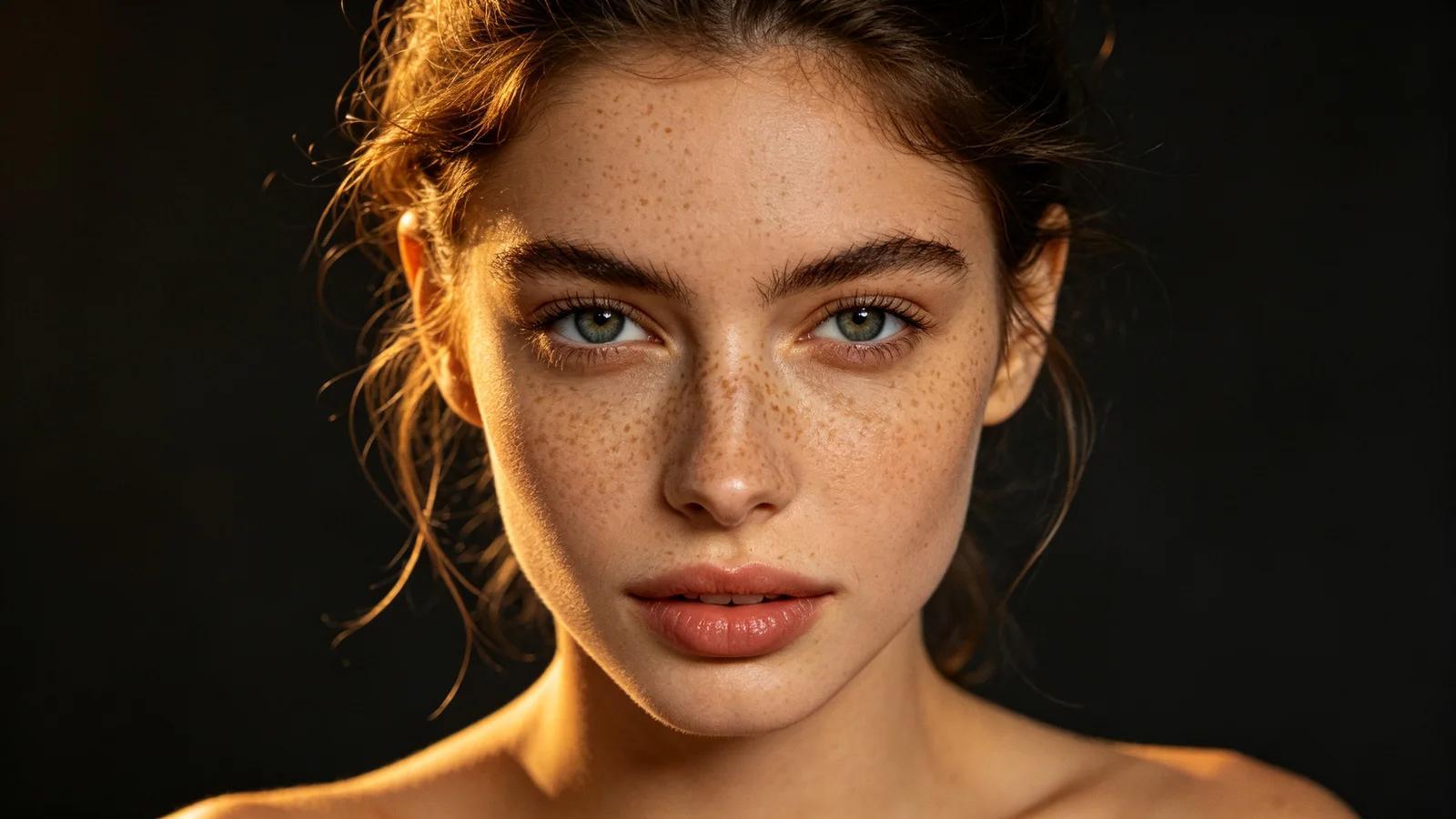
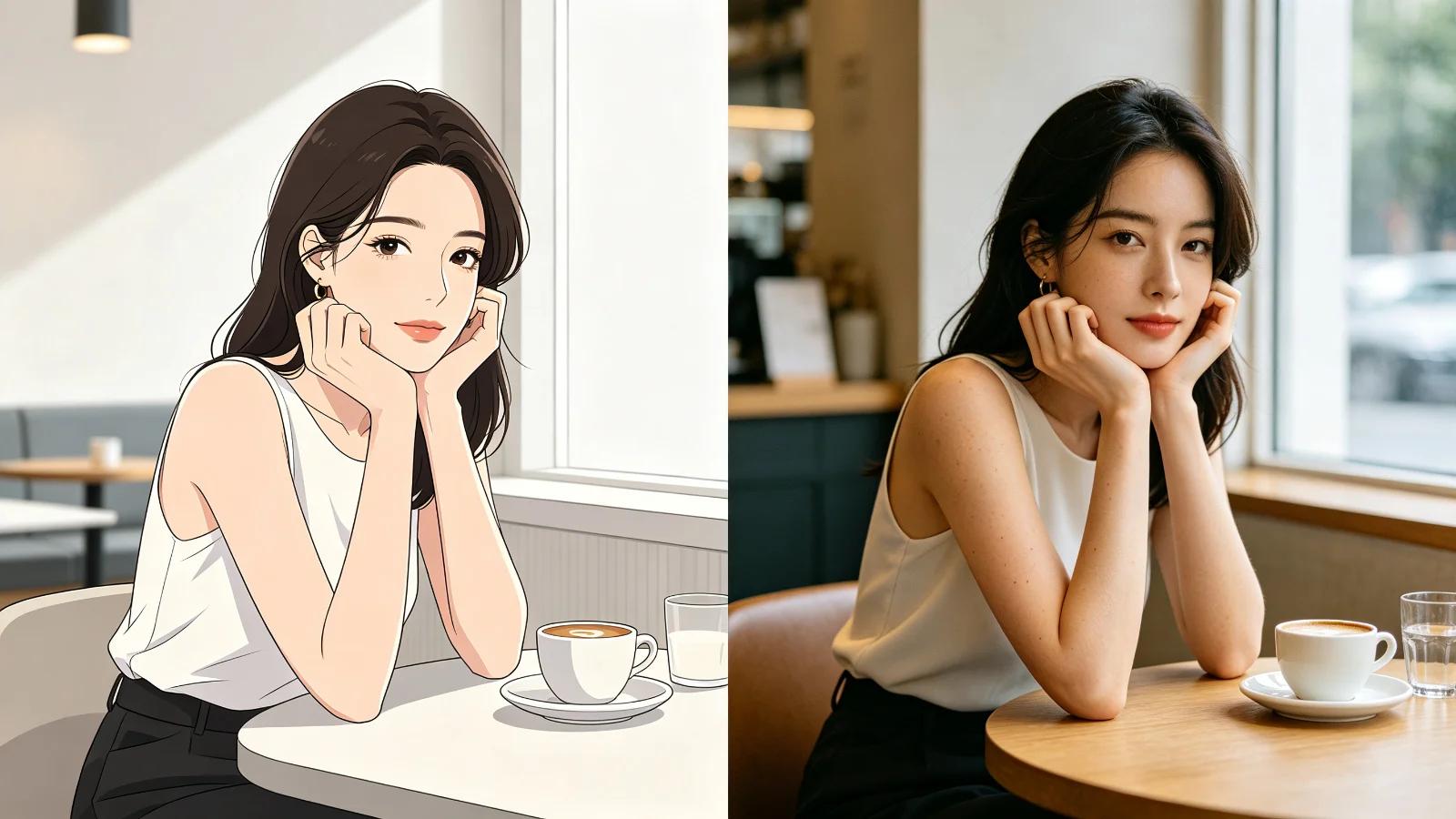
Image showcase

Create detailed cinematic portraits

Cinematic portrait with warm amber rim light and detailed skin texture
Prompt: Ultra-photorealistic cinematic portrait, warm amber rim light, detailed skin texture, 4K.
Dual Engine

One model. Two engines. Pick your mode.

Illustrated and photorealistic portraits side by side in a cafe
Flare for rapid iteration. Sunburst for detail-focused generation and edits.
Reference-led editing

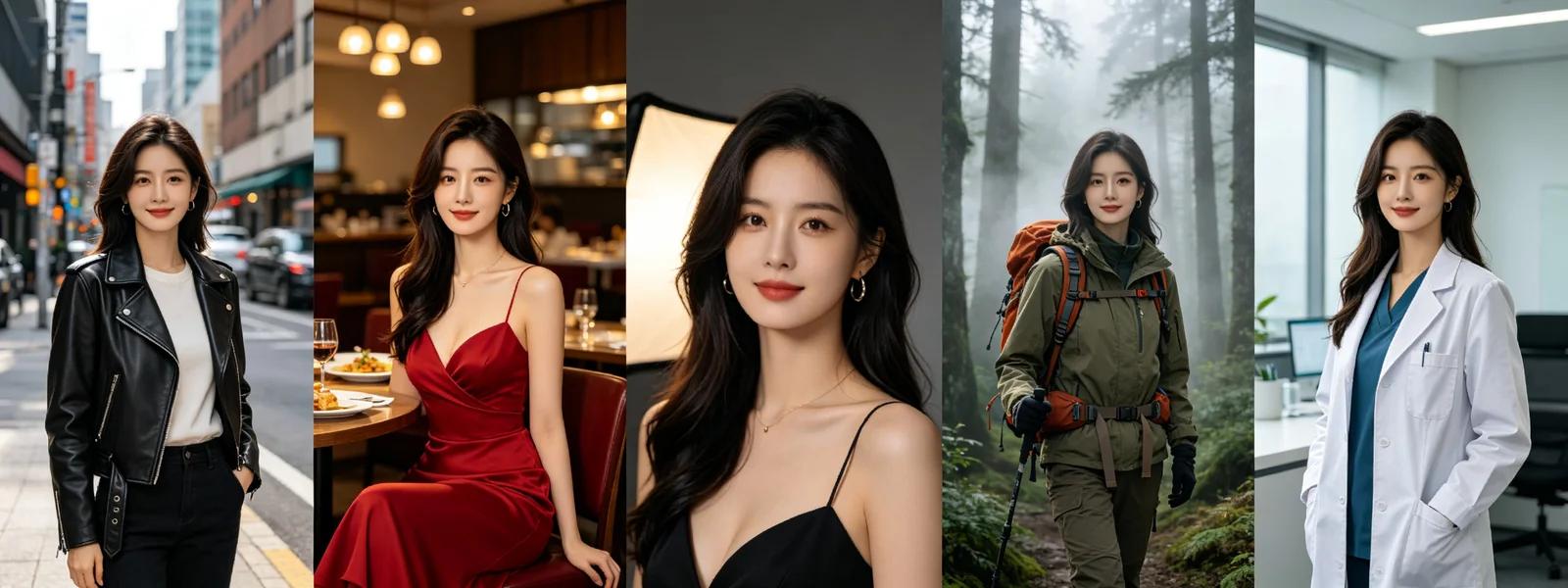
Explore one character across different scenes

Five portraits of the same character with different outfits and backgrounds
Explore outfit changes, new backgrounds and different scenes using a reference image.
Use Cases

Built for every creative workflow

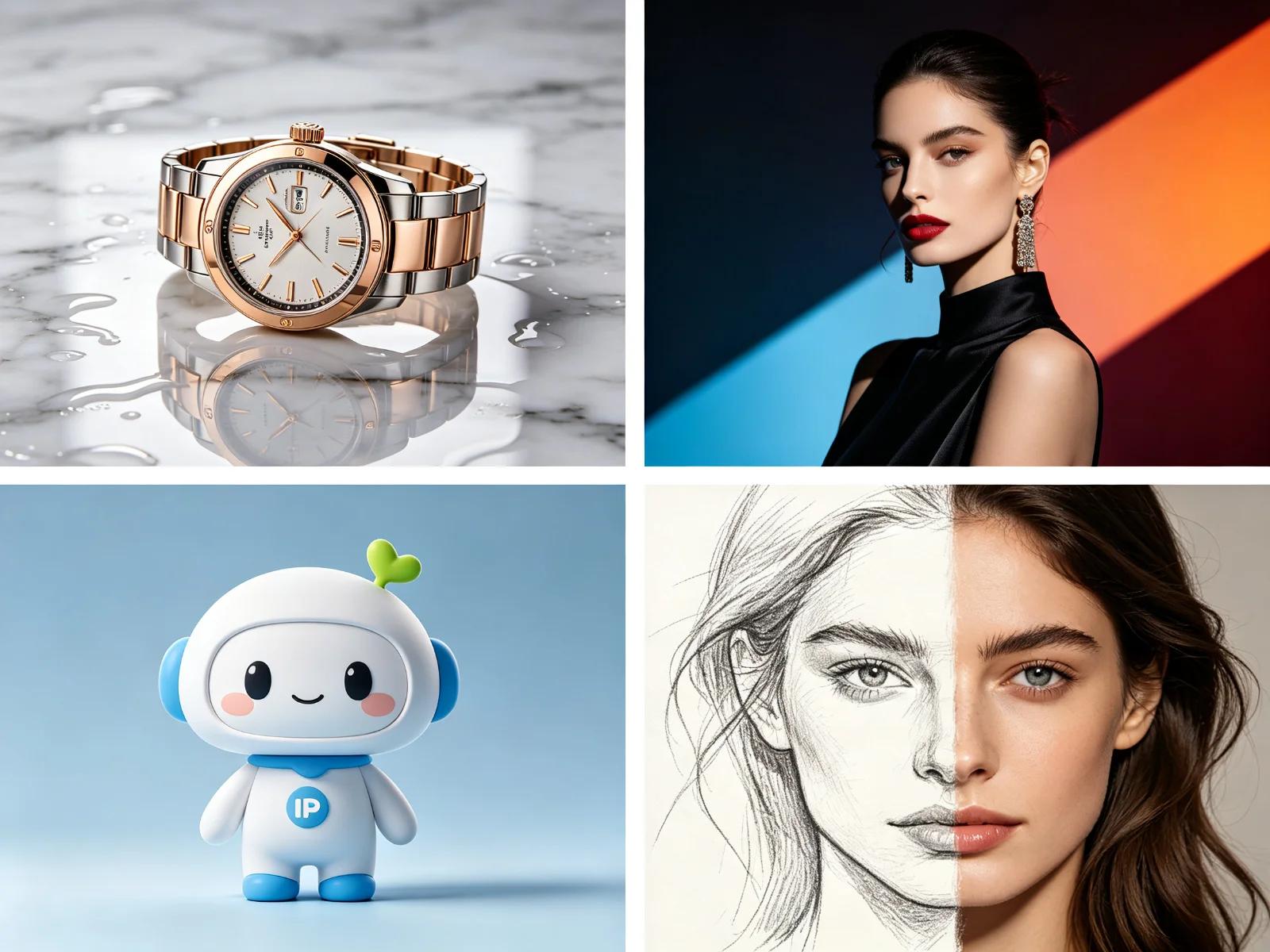
Product watch, brand portrait, character mascot and sketch-to-image examples
E-commerce · Brand poster · Character IP · Sketch-to-image

Use Cases

Popular Use Cases for an AI Text to Image Generator

Generate professional-quality images for any use case.

Create Original AI Art and Editorial Illustrations

Original artwork, editorial illustration and stylized pieces from a single prompt.

Generate Scroll-Stopping Images for Social Media

Scroll-stopping visuals sized for every platform, from posts to thumbnails.

Create AI Marketing Visuals and Product Campaign Assets

Product shots, banners and campaign visuals ready for ad platforms.

Design AI Characters, Environments and Game Assets

Concept characters, environments and props with a consistent style.

Develop Concept Art and Visual Ideas from Text

Mood boards, world-building frames and visual development at speed.

Key highlights

Why creators use it

Flare for fast everyday generation
Sunburst for detail-focused generation and edits
Text-to-image and image-to-image workflows
1K, 2K and 4K output options
Best use cases

Where it fits best

Product imagery

Generate polished product scenes, campaign visuals and clean studio concepts from a written brief.

Brand and typography

Build posters, social graphics and image-led concepts when the visual details matter.

Reference-led edits

Upload an image, keep the important subject matter, then guide a restyle or scene change.

Model strength comparison
1K10 credits
2K20 credits
4K30 credits
Frequently asked questions

GPT Image 2.5 & GPT Image 2.5 FAQ

What is the difference between Flare and Sunburst?

Flare is the fast option for everyday generation. Sunburst is the detail-focused option for refined outputs and image edits.

Can GPT Image 2.5 edit an existing image?

Yes. Choose GPT Image 2.5 in Image to Image, upload one or more reference images, describe the edit, then select Flare or Sunburst.

How many credits does GPT Image 2.5 use?

Each output costs 10 credits at 1K, 20 credits at 2K, or 30 credits at 4K. Flare and Sunburst use the same credit tiers.

Which version should I choose?

Start with Flare when speed is the priority. Choose Sunburst when you need a detail-focused final image or precise reference-led editing.

Example prompts

Prompt tests

Campaign Product Hero

A premium skincare bottle on a softly lit stone pedestal, clean editorial composition, crisp label details, natural shadows, 4:5 campaign image.

Reference-Led Restyle

Keep the product shape and label from the reference image, replace the scene with a warm modern kitchen, natural morning light, subtle realistic shadow.

Recommended for
Product teamsCreative campaignsSocial contentReference-led image edits
Final recommendation

Start from the model that matches your job.

  • Use Flare to iterate quickly on a visual direction.
  • Use Sunburst when fine details or reference-driven edits are the priority.
  • Choose the resolution tier that fits the final placement before generating.